One operational picture
Bookings, lake status and staff actions update the same fishery view instead of living in separate tools.

Buyer guide
Fishery management software should give owners one live view of arrivals, occupancy, balances and issues — while bailiffs check permits, update lakes and handle incidents on site. Isolated admin tools rarely keep those records aligned.
Fishery Manager Pro is CarpSync’s operations product. This page explains the management-software buying decision and how modules connect.
Buying criteria
Owners evaluating fishery management software are usually trying to replace a patchwork of diaries, messaging apps, paper permits and ad-hoc spreadsheets.
The useful question is not “does it have a dashboard?” but whether bookings, payments, lake status, staff actions and customer records share one operational picture.
CarpSync approaches this as a connected platform: Bookings for selling stays, Fishery Manager Pro for day-to-day operations, and optional Fish Stock Pro when stock records need the same home.
Product workflows
These workflows match how Fishery Manager Pro is described across CarpSync marketing — live owner views, lake boards, bailiff tools, rules and reporting.
See today’s arrivals, anglers on site, balances due, lake occupancy, upcoming bookings and open issues in one place.
Track live lake status, swim occupancy, exclusive bookings, maintenance closures and bailiff notes from the bank or the office.
QR permit scan, check-in verification, rule acknowledgements, incident notes and angler lookup for staff on the bank.
Digital waivers, arrival packs, gate codes, permit rules and terms accepted before anglers arrive.
Revenue, occupancy, booking trends, swim utilisation, member activity and operational issues stay inside the operating system.
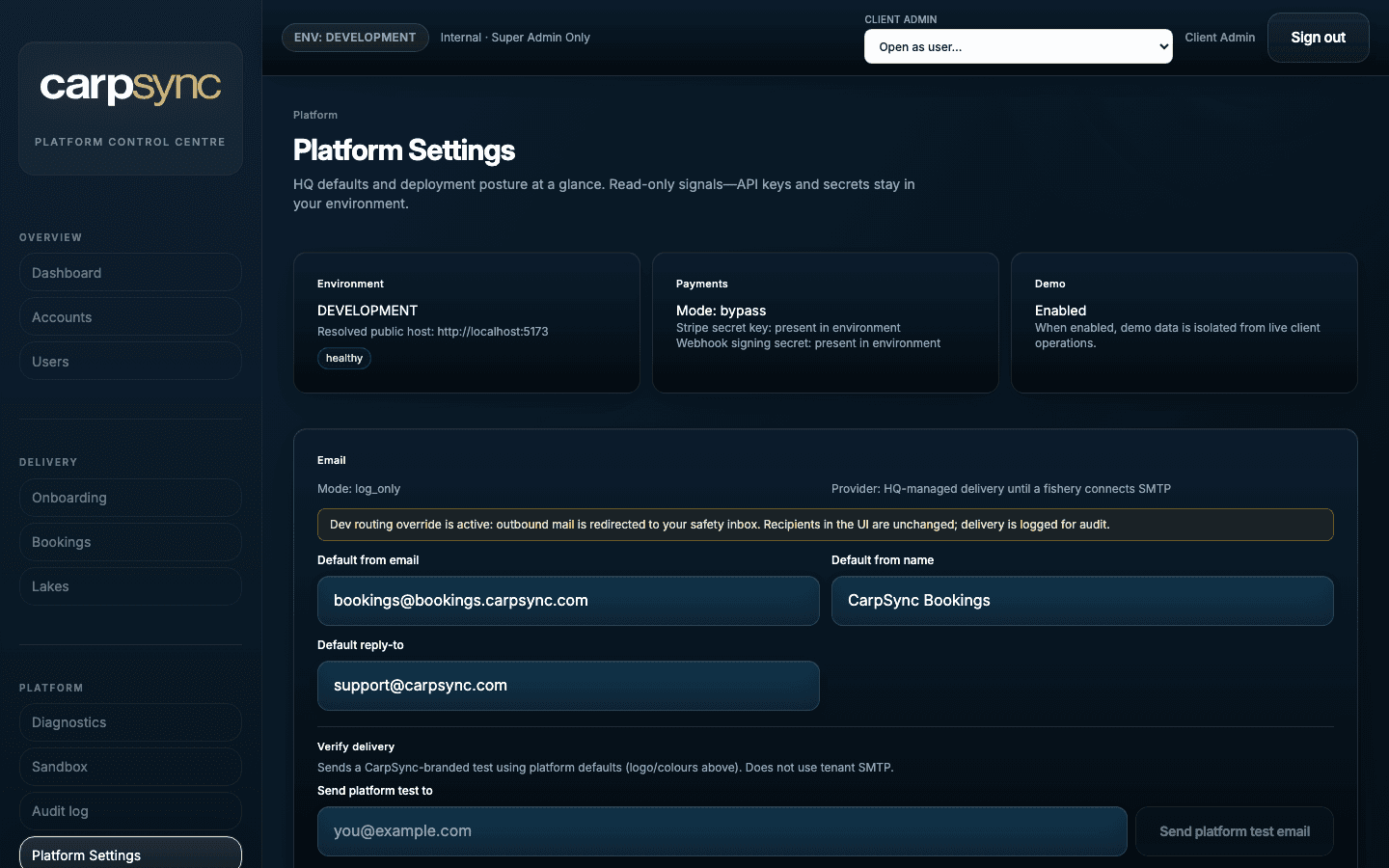
Product screens
Real product imagery — not mocked metrics overlays or invented proof graphics.
Outcomes
Bookings, lake status and staff actions update the same fishery view instead of living in separate tools.
Digital permits and waivers reduce paper checks and keep payment and rules status visible at the gate.
When capture history and fish records matter, Fish Stock Pro sits alongside bookings and operations rather than in a separate spreadsheet world.
Published proof
Only publishable customer references appear here. No invented ratings, savings figures or testimonials.
Customer story
Happy Lake runs online bookings, deposit tracking and a fishery-branded customer experience on CarpSync.
Read the customer storyPractical buyer answers grounded in current CarpSync capabilities — not keyword-stuffed claims.
Software that helps owners and staff run the fishery day: arrivals, occupancy, permits, lake status, incidents, memberships and reporting — ideally connected to how bookings are sold.
No. Booking software focuses on selling availability and collecting payments. Management software focuses on running the venue once bookings exist. CarpSync connects both.
Not necessarily. Many venues start with Bookings and Fishery Manager Pro. Fish Stock Pro is optional for fisheries that need deeper fish and capture records.
CarpSync separates available capabilities from roadmap items on the product roadmap page. This guide only describes workflows already marketed as available.
Review Fishery Manager Pro for product depth, then book a tailored demo so we can map the platform to your lakes, staff roles and booking rules.
Book a tailored demo. We show the owner dashboard, lake board, bailiff tools and how bookings connect — for your venue type, not a generic slideshow.